US Billing vs Shipping Address: What to Enter
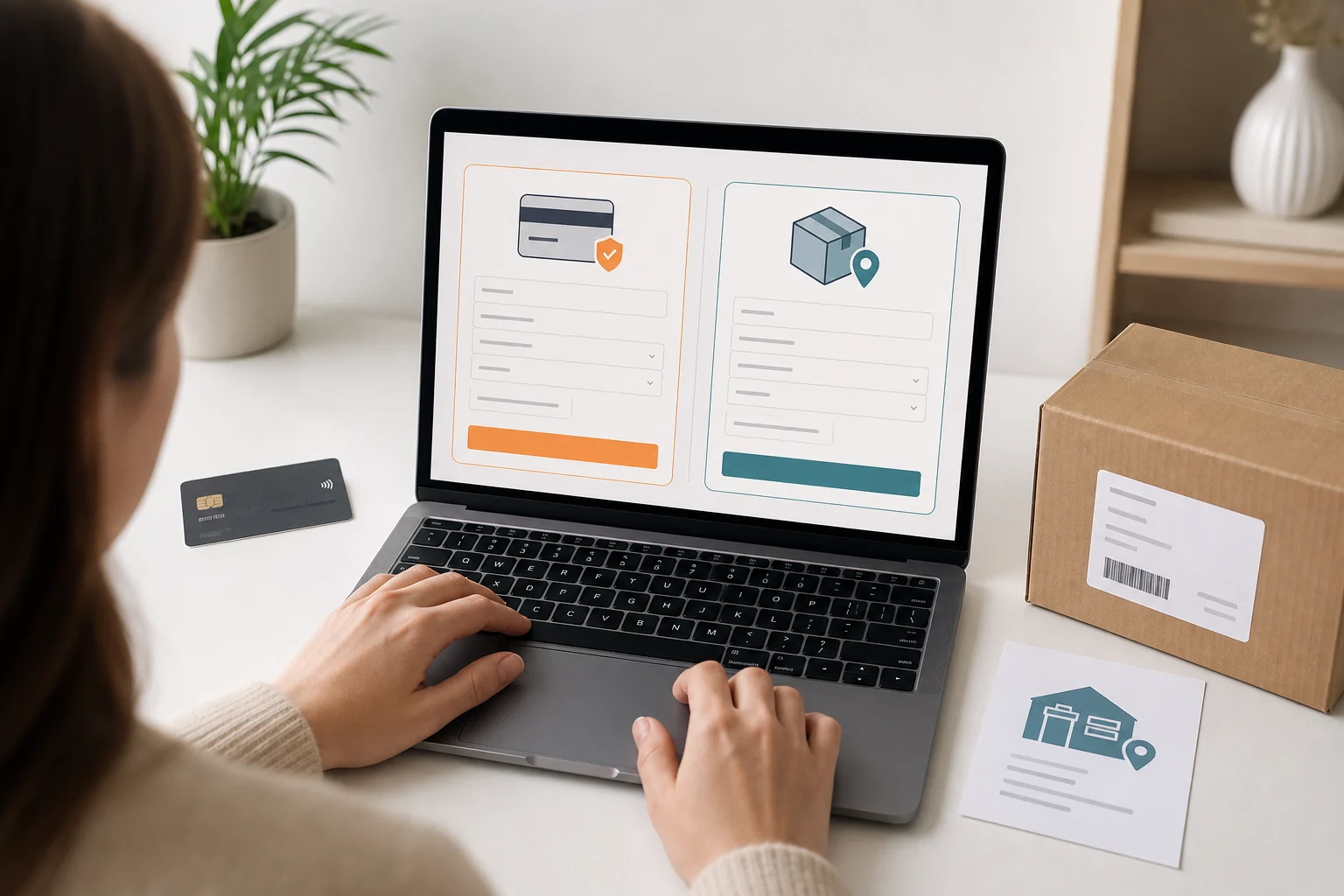
Billing address and shipping address describe two different parts of an online purchase. The billing address helps the merchant and payment provider verify the payment method. The shipping address tells the retailer and carrier where the parcel must be delivered. They can be identical, but international shoppers using a US package forwarding service will usually enter two different addresses.
Quick answer: enter the address registered with your card issuer or payment account in the billing fields. Enter your complete ViajaBox warehouse address in the shipping fields, including the exact suite identifier. Never replace your real billing address with the warehouse address merely because the store ships to the United States.
This distinction matters because a successful address entry does not guarantee payment approval. The merchant can review the card, billing address, shipping destination, order value, device information, product limits, and other fraud signals. If you are new to forwarding, first read how package forwarding from the USA works.
Billing address vs shipping address explained
What the billing address is used for
The billing address is the address associated with a card or payment account. During an online transaction, a merchant may submit the street address and postal code for an Address Verification Service check. Visa explains that AVS compares the submitted billing details with information recognized by the issuer. The result is one payment risk signal, not a guarantee that a transaction will be approved or declined.
Support varies by country and issuer. A checkout may accept an international card even when its address validation is designed mainly for US formats. When a legitimate payment fails, the cause may be an unsupported postal format, incorrect information, a merchant rule, or another fraud control rather than insufficient funds.
What the shipping address is used for
The shipping address is the delivery destination. It includes the recipient name, street, secondary unit when required, city, state, ZIP Code, and sometimes a telephone number. For a forwarded purchase, this is the US warehouse address shown in your ViajaBox account. It is not evidence that you live in the United States and should not be presented as your residential address.
When both addresses can be different
Different addresses are common when someone sends a gift, buys for an office, travels, or uses a forwarding warehouse. The merchant still decides whether to accept the transaction. Some stores approve an international billing address with a domestic shipping address, while others restrict international cards, forwarding facilities, high value orders, or certain products.
Billing and shipping address comparison
Field | Purpose | What to enter |
|---|---|---|
Billing address | Payment verification | Address held by the issuer or payment provider |
Shipping address | Parcel delivery | Complete ViajaBox warehouse address |
Address Line 2 | Secondary delivery information | Exact suite identifier from your account |
What to enter as your billing address
Use the address held by your card issuer
Copy the cardholder name and billing address as maintained by the bank or card issuer. If you recently moved, confirm that the issuer has updated the record before shopping. Do not translate the street name or invent a US ZIP Code. A warehouse cannot convert an international card into a US issued payment method.
The Visa documentation for Address Verification Service says the issuer compares the submitted street address and postal code with its records. Stripe likewise notes that legitimate AVS failures can occur when a customer enters an address incorrectly or moves without updating the issuer.
Handle international formats carefully
If the country field is available, select the actual billing country and complete its postal code and region fields. If the form only accepts a US state and ZIP Code, do not force your foreign address into false values. Check the retailer payment policy, try an accepted digital wallet, contact the store, or use another legitimate payment option.
Do not confuse billing details with card delivery
The billing address belongs to the payment relationship. It is not necessarily where a replacement card, statement, or parcel is sent. A digital wallet may store several delivery addresses while the underlying card keeps one issuer address. Review the final payment screen because a wallet can replace the shipping destination selected earlier.
What to enter as your US shipping address
Copy every field from your ViajaBox account
After you access ViajaBox, copy the recipient name, street, suite, city, state, ZIP Code, and telephone format exactly as displayed. Put the warehouse street address in Address Line 1. Put the assigned suite in Address Line 2, Apartment, Unit, or Suite according to the checkout labels.
Treat the suite as an essential identifier
In a residential address, a suite may identify a separate office or unit. In the ViajaBox workflow, the assigned suite also connects an incoming parcel to the correct customer account. Removing it can delay registration and require the customer to provide the tracking number or proof of purchase.
The USPS addressing standard recognizes secondary unit designators such as APT, STE, UNIT, and RM. Follow the format supplied by ViajaBox rather than changing the designator yourself. If a store has only one street field, place the street and suite on that line in the same order shown by your account instructions.
Keep the domestic tracking information
Save the order confirmation and carrier tracking number. The store delivery notification and warehouse registration are separate events. Once the parcel arrives, ViajaBox photographs, weighs, and registers it to the customer account. Review current package forwarding services before planning consolidation or international shipment.
How to complete common checkout forms
Clear the same as billing option
If the checkout assumes both addresses are identical, clear the option labeled Same as billing address. Enter the warehouse only in the shipping section. Recheck the form before payment because some sites restore the billing address after a page refresh, wallet selection, or account login.
Review PayPal and digital wallet selections
A merchant may use the delivery address selected inside the wallet rather than the one typed on the store page. Before authorizing payment, confirm that the final shipping destination contains the ViajaBox street, city, state, ZIP Code, and suite. Keep the true issuer address as the billing information for the underlying card.
Use assisted purchase for a different payment problem
Package forwarding solves delivery, not every payment restriction. If a retailer rejects an international payment method, review the ViajaBox Assisted Purchase service. The service may purchase an eligible item after presenting the applicable quote and conditions. It does not override retailer stock, product limits, or restricted item rules.
Why orders get declined or canceled
An AVS mismatch is only one possible cause
A declined payment can result from incorrect billing details, issuer controls, spending limits, CVV verification, merchant risk rules, or unsupported international formats. Do not repeatedly submit random address combinations. Multiple attempts can create additional risk signals without solving the underlying mismatch.
Retailers can restrict forwarding addresses
A store may accept the address form but cancel the order during manual review. Forwarding facilities, resale patterns, expensive electronics, limited releases, quantity limits, and conflicting account data can affect the decision. Registration with ViajaBox does not guarantee acceptance by every retailer.
Correct the relevant issue before trying again
Check the billing address with the issuer, verify the suite, confirm available funds, and read the store policy. If the merchant supports international customers, contact its payment team with the order reference. Never describe the warehouse as your billing residence when it is only the delivery destination.
Important: never send your full card number, CVV, password, or authentication code through email or store chat. Use only the retailer payment page or an approved payment provider.
Final checklist before submitting your order
Confirm the payment information
Use the cardholder name shown by the issuer.
Enter the actual billing country, street, and postal code.
Confirm the payment method is accepted by the retailer.
Review any wallet address selected at authorization.
Confirm the delivery information
Use the complete ViajaBox shipping address.
Enter the exact suite identifier without rewriting it.
Verify city, state, ZIP Code, and telephone format.
Save the order confirmation and tracking number.
After warehouse registration, review the parcel, compare available shipping methods with the shipping calculator, and plan duties with the import calculator. Customs rules and final assessments depend on the destination country.
Get your ViajaBox US shipping address
Access your account, copy the assigned address and suite, and use them in the shipping section of your next eligible purchase.
Frequently Asked Questions
Can my billing address and shipping address be different?
Yes. Use the address associated with the payment method for billing and the intended delivery destination for shipping. The retailer can still review or restrict a transaction when the addresses differ.
What billing address should I use with an international card?
Use the billing address registered with the card issuer. Select the true billing country and postal code when the form supports them. Do not substitute the warehouse address unless your payment provider explicitly associates it with the account.
Where do I enter the suite number in a US address?
Enter the warehouse street in Address Line 1 and the assigned suite in Address Line 2, Apartment, Unit, or Suite. Follow the exact format shown in your ViajaBox account.
Will a US store cancel an order sent to a forwarding address?
It can. Some retailers accept forwarding addresses, while others restrict them or review orders individually. Payment approval, product limits, fraud controls, and retailer policy all affect the final decision.